01
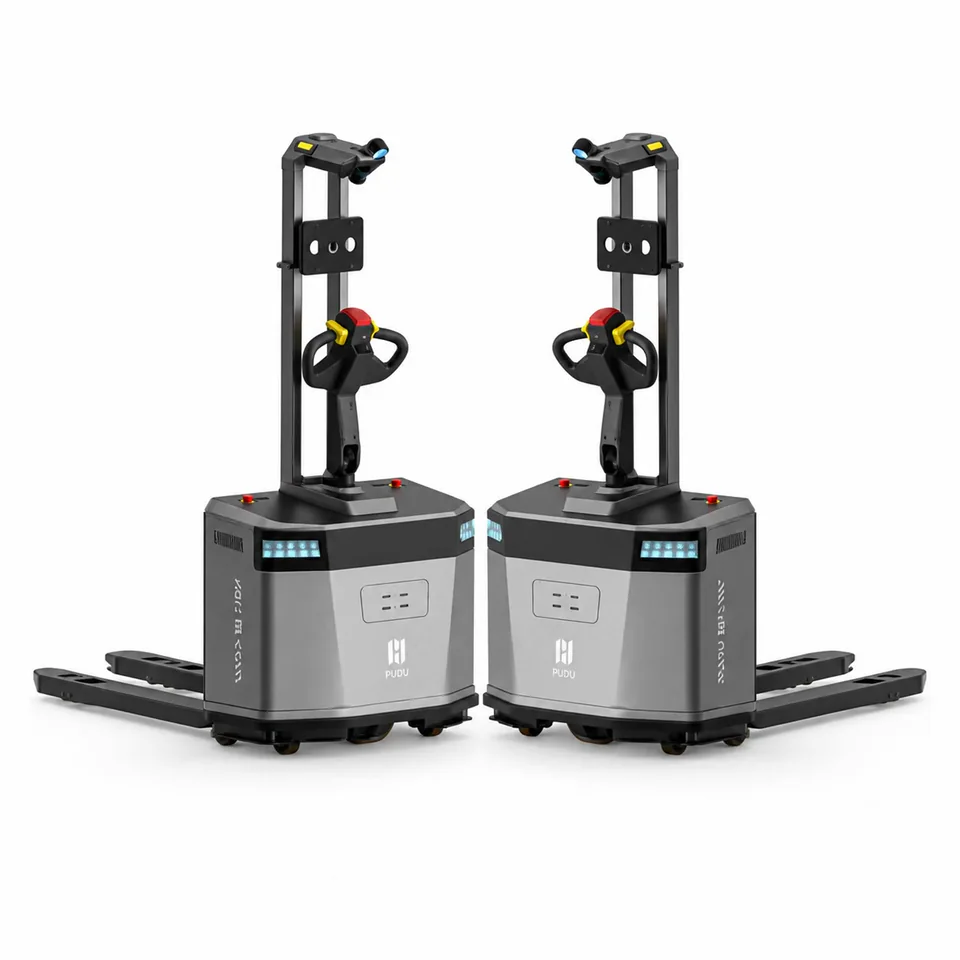
Move goods between stations
For recurring pallet, cart or material movements. Start with the load and the pickup interface.
Explore PUDU MP2000
Warehouse robots · Saudi Arabia & MENA
Start with the bottleneck: goods movement, order picking or stock visibility. A warehouse automation project may combine several systems; a transport robot alone does not automate storage and order fulfilment.
The complete operation
Map the handoffs before choosing the hardware. A warehouse automation project can cover one bottleneck or several connected workflows.
Carton unloading and inbound transfer
Load presentation, trailer access and the downstream handoff.Put-away and retrieval
Storage layout, container types and access to picking stations.Order picking and replenishment
SKU mix, peak orders, station capacity and exception handling.Pallet, tote and cart transport
Pickup interfaces, crossings and loaded return journeys.Inventory and location checks
Readable labels, rack access and reconciliation with stock records.Transfer to packing and outbound staging
Cut-off times, queues and the final handoff to the shipping team.This is a workflow map, not a claim that every stage uses the same robot. Fixed storage, conveyors and packing equipment require their own project scope.
Order picking efficiency
Separate walking, moving loads, picking items and confirming orders. Improving one part of the journey will not necessarily increase completed orders per hour.
| Approach | When to consider it | What to check |
|---|---|---|
| Improve the manual process | Travel, searching or unclear instructions cause delays. Review slotting, batch picking and scan or voice-guided instructions before adding robots. | Walking time, picking errors and confirmation time. Voice picking is a workflow alternative, not a capability included with every robot. |
| Use powered handling equipment | People need help moving heavy loads, but routes and assignments change frequently. | Load dimensions, aisle access, operator time and safe crossings. Powered equipment does not make the workflow autonomous. |
| Automate transport | Repeat journeys move pallets, totes or carts between known points. | Trips per shift, distance, loading and unloading, traffic and recovery from blocked routes. Transporting a tote is not picking items from it. |
| Bring goods to the picker | Travel to storage limits picking capacity and a storage-and-workstation project is practical. | SKU and order mix, replenishment, workstation capacity, WMS handoffs and installation needs. The operator may still perform the item pick. |
Compare completed orders, accuracy and staff time at the same workload. Include queues, replenishment and exceptions. More robot trips are not an improvement if the picking or packing station remains the bottleneck.
The application
Start with the workflow. These are different applications, not a ranking of interchangeable robots.
For recurring pallet, cart or material movements. Start with the load and the pickup interface.
Explore PUDU MP2000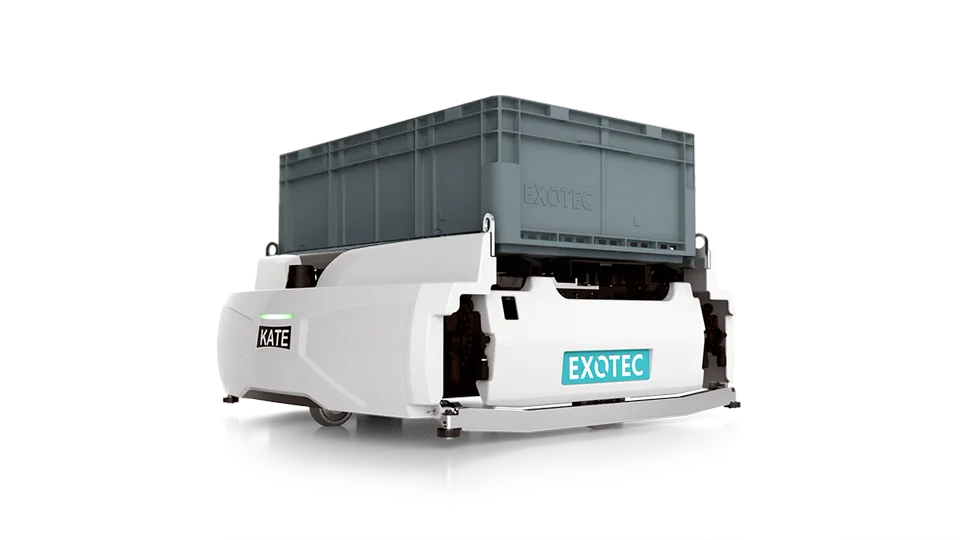
Compare goods-to-person systems and mobile picking workflows. Storage, stations and software are part of the decision.
Explore Exotec Skypod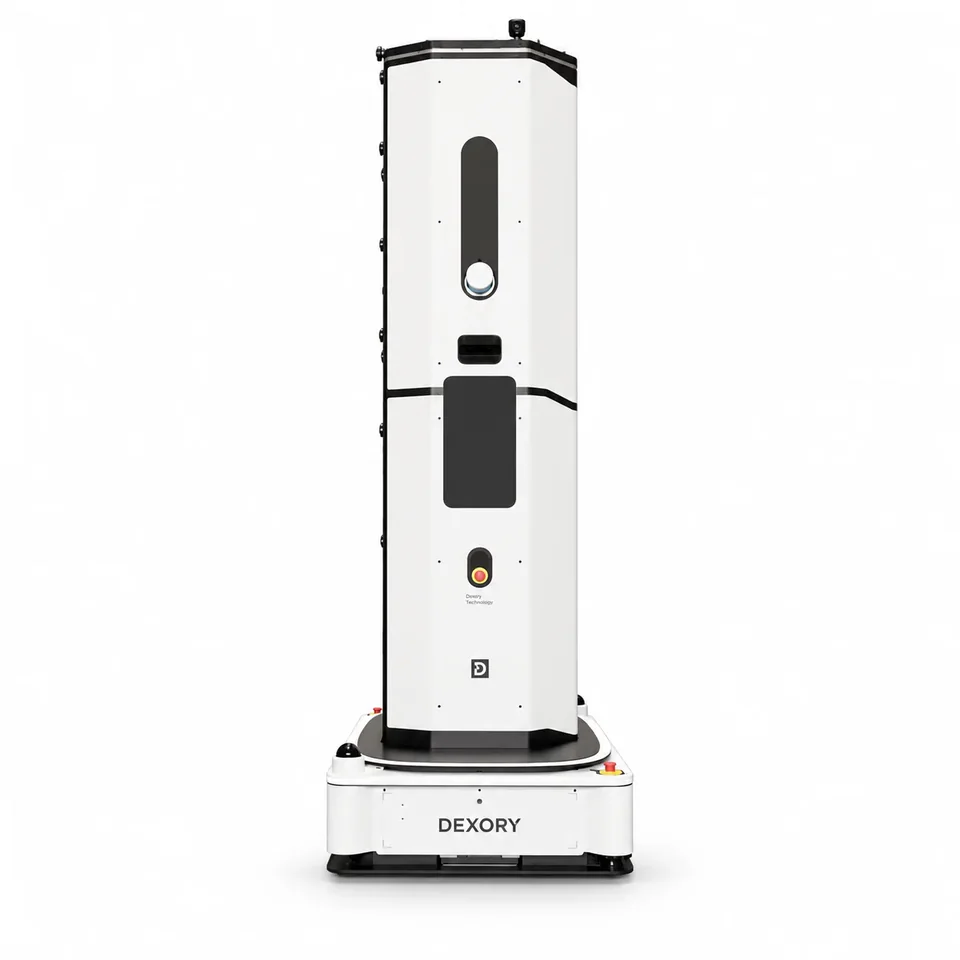
For stock checks and location accuracy. Define the labels, racks and warehouse data the system must read.
Explore DexoryViewSelection logic
Pallet, tote, carton or cart? Include its dimensions, weight and handling fixture.
Map moves per hour and the busiest shift, not only the daily average.
Measure aisles, pickup points, crossings and interaction with people or forklifts.
Identify who creates tasks and where completion or inventory data must be recorded.
Your site. One project.
Share the process, load, peak flow and a site layout. We’ll use them to define the equipment and deployment scope.
Product selection
11 models in this selection. Open a product for its exact specifications, configuration and commercial options.
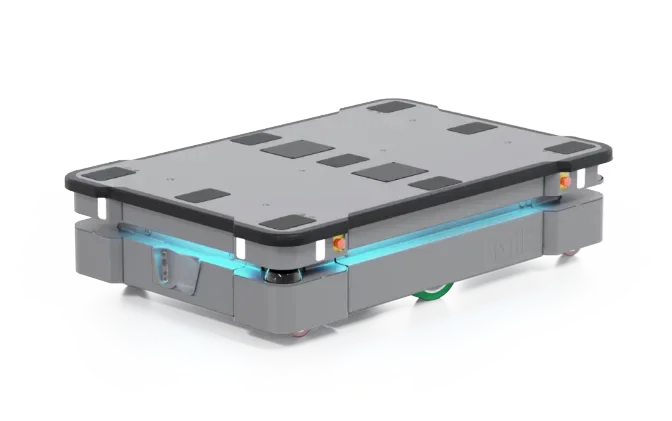
Mobile Industrial Robots
Pudu Robotics
Exotec
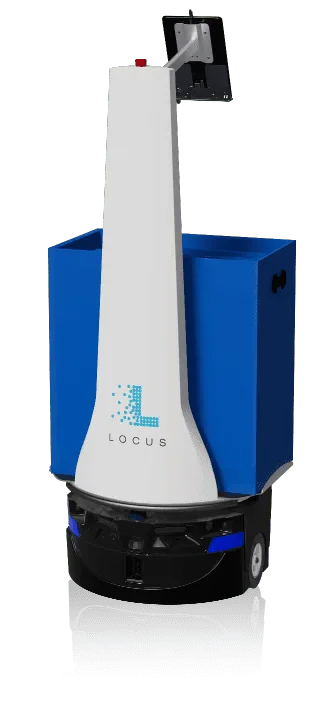
Locus Robotics
Dexory
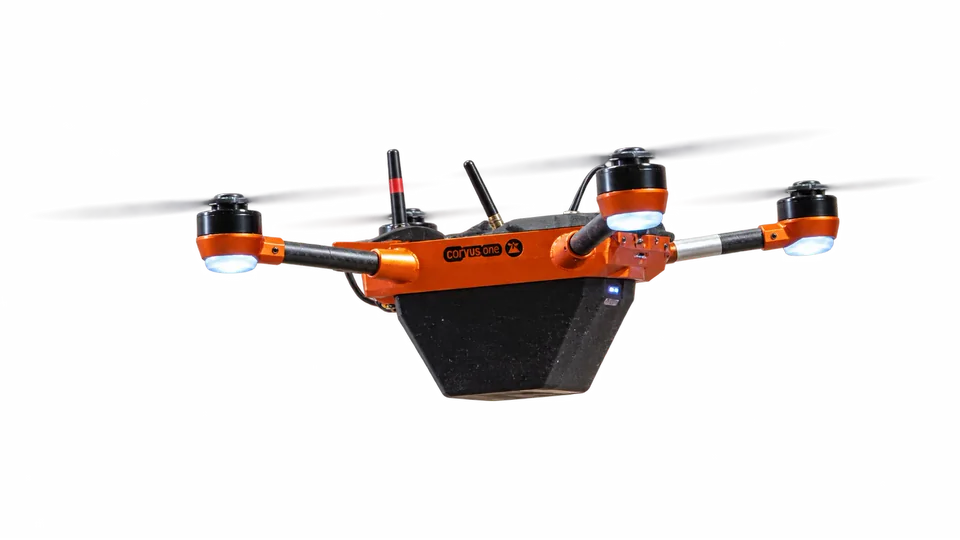
Corvus Robotics
System design
Define the data and physical handoffs alongside the equipment. WMS compatibility is checked for the chosen system; a general API claim is not an integration plan.
Order, stock and location records
Which system creates work and remains the source of truth?
Priorities, routes and resource assignment
How are tasks queued, cancelled and retried?
Physical movement and operator handoff
How is a successful pickup or placement confirmed?
Completion, faults and inventory differences
Who receives an exception and how is it resolved?
Start with current routes, rack geometry, labels and operating hours. Plan crossings and fallback routes so the trial can coexist with people and forklifts.
Goods-to-person and automated storage and retrieval systems (AS/RS) involve storage, workstations, software and replenishment. Plan the installation sequence and expansion capacity as a system.
Pilot and business case
Compare the same workload before and during the trial. Record normal shifts and peak conditions; a headline robot speed does not measure warehouse output.
Completed moves or picks per hour at peak load, including waiting and return travel.
Interventions per shift, recovery time and the work still performed by staff.
Picking errors, missed locations and inventory differences for the tested workflow.
Equipment, site changes, software, training, maintenance and remaining operating effort.
The proposal should include the equipment list, layout changes, software scope, acceptance criteria, training and support responsibilities. Savings and payback are calculated from your baseline, not a generic percentage.
Four ways to deploy
All four options can be requested. Configuration, availability, minimum term and service scope are confirmed in your quote.
Own the equipment. The quote defines configuration, deployment and the service package.
Use a robot for an agreed period. Confirm dates, availability, minimum term and setup costs before booking.
Plan for ongoing operation. Equipment, contract term, maintenance and responsibilities belong in the proposal.
Combine the robot with deployment and an agreed operating and service scope. Define monitoring, maintenance and performance measures for your site.
Before you choose
Choose one repeated process with measurable travel, waiting or checking time. Establish a baseline and test that operation before extending the system.
Some transport trials can start with local task dispatch. Order-driven workflows and inventory updates need a defined data exchange with your systems; compatibility must be checked for the selected product.
Usually these are different systems: moving pallets, picking orders and scanning stock require different hardware and workflows. A shared project can combine them without treating them as interchangeable.
From selection to deployment